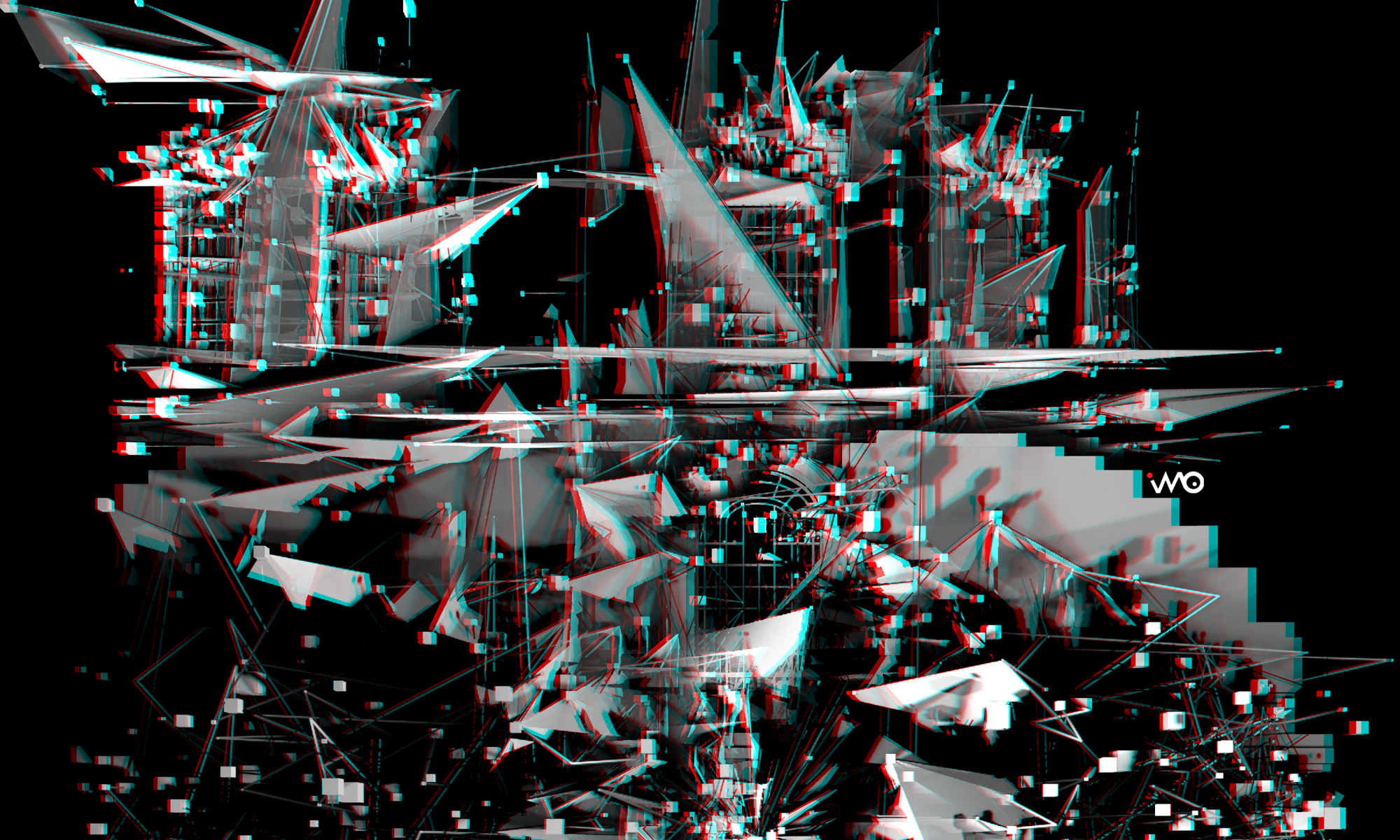
LIQUID HORIZONS — an immersive video installation (at Fixir Gallery, Veszprem) by Ivó Kovács, reconstructed as a fully navigable 360° space.
In its physical form, the work encloses the visitor in a 4.2 × 4.2 m room of four seamless projected walls — a single, uninterrupted synthetic space with no doors, no paths, no horizon to hold on to. The viewer’s own body becomes the only fixed point of reference.
Six scenes unfold without narrative — glitch corridor, brutalist labyrinth, biological vein networks, geometric core, spectral veils, liquid-architecture, synthetic horizons — juxtaposing Trauma-Arbeit and utopia in a digital realm, somewhere between architectural critique and algorithmic aesthetics.
This 360° version was rebuilt in TouchDesigner and rendered in 8K from the exact center of the room — on the one spot where visitor could stand.
🎧 Use headphones. 📱 Drag the screen or move your phone to look around. 🥽 Best experienced in a VR headset in 8K.
A Non-Destructive Object Compositing Workflow for ComfyUI
Placing a cut-out into a background plate with FLUX.2 Klein, without re-rendering the frame.
I have released a ComfyUI workflow that performs a fairly ordinary Photoshop task: it takes an object with an alpha channel, places it into a background plate, and makes it look as though it had been photographed or rendered in that environment. The model is given a narrow job — compute the lighting, the reflected ambient colour and the contact shadows — and is prevented from touching anything else.
The obvious objection is that current image-editing models do this better. Nano Banana, GPT-Image and comparable autoregressive systems are faster and produce more convincing integration than a 9B distilled diffusion model working through a mask. That objection is correct, and the workflow is not an attempt to refute it. It addresses a narrower set of circumstances in which those systems are not available or not appropriate.
The first is that a conversational image editor re-renders the entire frame. Global tone, grain, sharpness and colour shift slightly across the whole image, and the returned resolution is whatever the service decides to provide. When the surrounding plate is finished work that must not change, this is a real cost rather than a theoretical one.
The second is price. Output above roughly 2K is typically behind a paid tier, and high-resolution work is precisely where the cost accumulates.
The third is confidentiality. Client plates, unreleased product renders and material under non-disclosure cannot be uploaded to a third-party API, regardless of how good that API is.
The fourth is procedural. If the intention was always to mask the result back onto the original afterwards, it is more economical to build the mask into the generation than to reconstruct it by hand once the model has finished.
The workflow runs entirely on local hardware, composites through an explicit mask, and colour-matches the generated region back to the untouched plate. Outside the feathered mask edge, the output file is pixel-identical to the input file.
What the workflow does
The pipeline follows the logic of a layered Photoshop document rather than that of a generative prompt.
The object is loaded as a transparent PNG. ComfyUI separates such a file into an image and a mask on load, so the two are padded to the plate’s dimensions and rejoined into a single RGBA image; a cut-out therefore does not need to match the plate’s canvas size. A transform node scales, rotates and positions it, and the result is flattened onto the plate. At this point the composite is deliberately crude — a hard-edged paste-up, exactly what a layer looks like before any retouching.
The object’s alpha is then converted into a mask, expanded and feathered. That expansion is the working area: the room the model is permitted to use for cast shadows and light spill. The model receives the flattened composite together with this mask, and at a reduced denoise value it is obliged to treat the existing pixels as an anchor. Its task is reduced to calculating the illumination.
Two subsequent stages do the work that determines whether the result is usable.
The first is colour correction. Because the plate passes through the variational autoencoder during sampling, and VAE round-trips desaturate, the decoded region no longer matches the surrounding image. The workflow measures the colour statistics of the untouched part of the plate — using the inverted mask as a reference region — and pulls the generated area back to them in LAB space, which behaves more predictably for this operation than RGB.
The second is the composite itself. The colour-corrected region is pasted onto the original background file through a heavily blurred mask. Everything outside that feathered edge is the original pixel data, unmodified. The workflow ships with a comparison slider and a difference map so that this can be verified rather than taken on trust; the difference map is near-black by design, which is the point.
[image: a screenshot of the graph in ComfyUI with comments in English and Hungarian]
Three things that were not obvious
Documenting the workflow surfaced several details that are worth stating plainly, because they are the sort of thing that costs an evening to rediscover.
Mask polarity is inverted relative to intuition. ComfyUI’s LoadImage node returns MASK = 1 − alpha, and JoinImageWithAlpha inverts it back. In that convention zero means opaque and one means transparent — the opposite of the selection-style masks used elsewhere in the same graph. Padding an alpha channel with a black canvas therefore produces an opaque black border rather than a transparent one. The published graph contains two SolidMask nodes with opposite values for exactly this reason.
One denoise value is asked to govern two different decisions. How much the object itself may change and how much the ground beneath it may change are separate questions with separate correct answers. A cast shadow tolerates complete freedom; the object’s geometry does not. The workflow splits the mask into two tiers — full authority in the halo around the object, reduced authority over the object body — so that the two can be set independently.
Step count and denoise are coupled. The effective number of denoising steps is approximately steps × denoise, and a distilled model still requires around four of them. Reducing denoise to 0.5 while leaving the step count at 4 yields two effective steps and a noisy result. The step count has to be raised to compensate. This is a common enough mistake that it is worth stating explicitly.
Requirements and limitations
The workflow is built on FLUX.2 Klein 9B in fp8, which uses Qwen 3 8B as its text encoder and requires its own dedicated VAE. Four ComfyUI node packs are needed; the README lists them with links, and ComfyUI Manager will resolve them automatically once the workflow is loaded.
The limitations are worth stating as plainly as the capabilities.
It does not outperform a modern autoregressive editor on integration quality. It outperforms them on control, colour fidelity, privacy and cost.
VRAM consumption scales with the full canvas unless the crop-and-stitch stage is enabled, because the entire plate is encoded during sampling. With that stage active the model samples only the masked region at native resolution, which is both the memory fix and the quality fix on large images.
It places a cut-out; it does not create one. The alpha channel is an input, not an output.
It cannot correct perspective. The model computes light, not geometry. If the object’s camera angle disagrees with the plate’s, no denoise value will reconcile them — that is a ControlNet or a 3D-rendering problem.
Finally, the supplied parameter values are a starting point rather than a tuned recipe. They are the values that produced the bundled example. The correct settings are image-dependent, and the reasoning behind the trade-offs is annotated directly on the graph.
Availability
The workflow, an annotated graph, example images and full documentation are available at https://github.com/tenpel/ComfyUI-PS-Composite under the MIT licence. The models and node packs it depends on carry their own separate licences.
The graph is annotated in English and Hungarian throughout. It is intended to be read as much as run.
Bidirectional SAM2 Tracking for Video Inpainting in ComfyUI — on a 16GB Laptop GPU
A local, open-source pipeline for replacing a subject’s head in a moving video shot, and the SAM2 patch that makes bidirectional mask tracking possible.
A few months ago I published an open-source project on GitHub: ComfyUI-Bidirectional-SAM2-Inpaint. It is an automated video inpainting pipeline built on ComfyUI, combining Wan 2.1 VACE, SAM2 and Qwen2.5-VL, designed to process long shots on limited hardware — the reference machine is a laptop with a 16GB RTX 3080. This post documents how the pipeline works, why the SAM2 tracker had to be patched to propagate in both directions, and the workflow practices that determine the quality of the result.